First hour
Connect the cable. The screen wakes because the cable brings power. Set a PIN on the device itself, not in a browser field.
 Yenao
Yenao
Yenao Wallet
The wallet is a hardware device. It is designed to hold the private keys for cryptocurrency and other crypto-based assets. Keys are created inside the case. Confirmations are read on its screen.
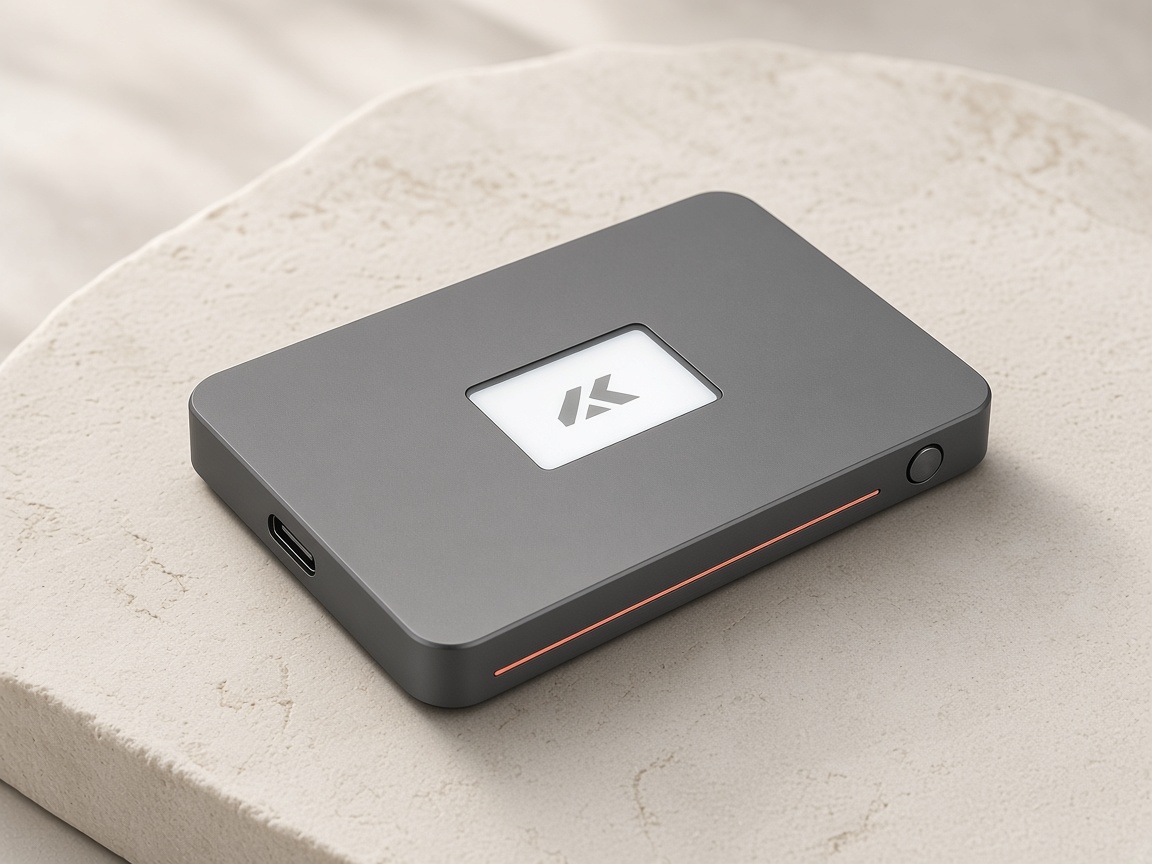
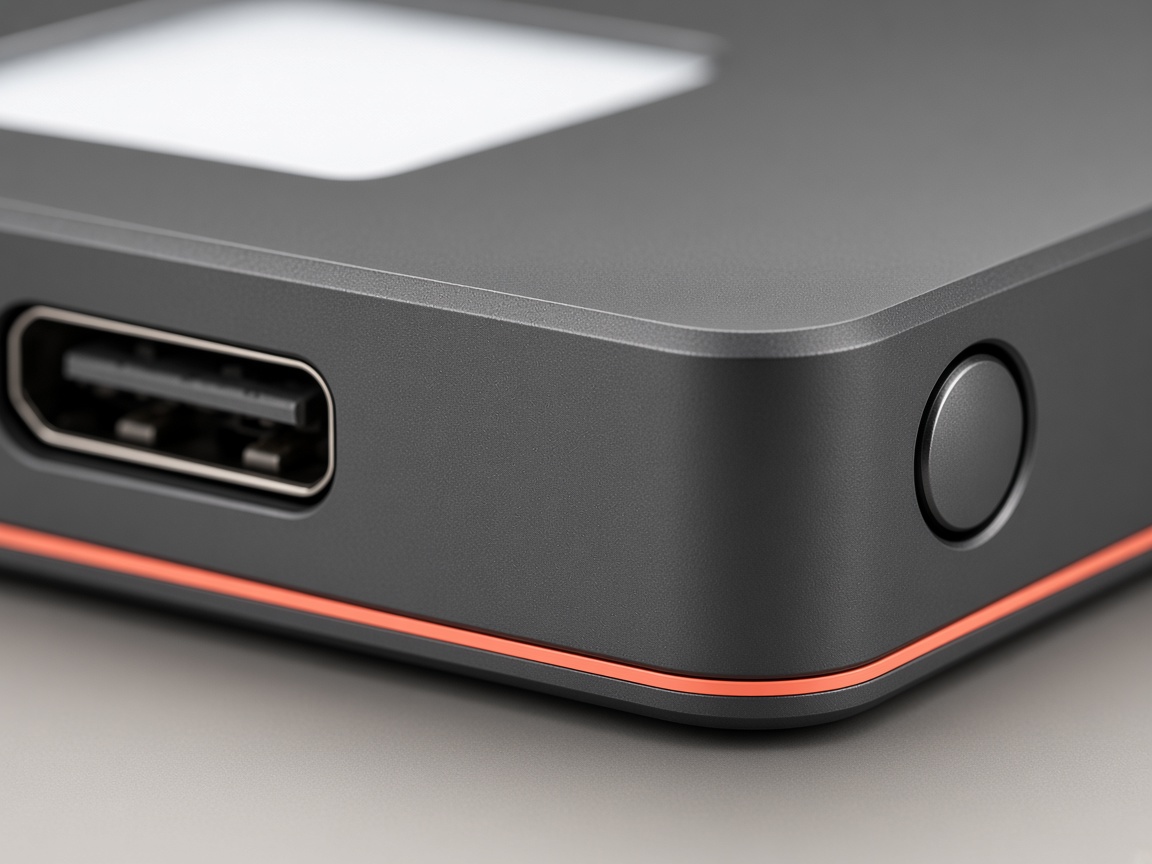
The body is bead-blasted aluminum in graphite, with a coral groove along the lower edge. A monochrome screen sits in the face. One metal button lives on the side. Power and data share a USB-C port. There is no radio.
Yenao is the firmware on that board. It boots to the confirmation screen. It does not keep a second life as a general computer.
Shows the recovery words once, and later shows each request before the button will confirm it.
A single control. Hold it only when the screen matches the action you expect.
Brings power from the cable and carries the unsigned request to the device.
A dedicated security chip creates the private key and keeps it from leaving the board.
The coral line is the studio mark. It is how you recognize the device on a desk.
| Name | Yenao Wallet |
|---|---|
| Maker | Response Mine Interactive, LLC |
| Body | Bead-blasted 6061 aluminum, graphite |
| Size | 72 × 46 × 8.4 mm |
| Weight | 38 grams |
| Display | Monochrome screen, drawn by the security chip |
| Control | One metal button |
| Port | USB-C |
| Radio | None |
| Power | From the USB-C cable |
| Firmware | Yenao, checked on the device before it runs |
| PIN | Chosen on the device, 4 to 8 digits |
| Recovery | 24 words, shown once on the device screen |
| Keys | Created on the device and held there |
Connect the cable. The screen wakes because the cable brings power. Set a PIN on the device itself, not in a browser field.
Yenao shows 24 words once. Write them with a pen. Keep that paper away from the device and away from any camera roll.
A computer may prepare a request. The signature is made inside the chip, and only after you have read the screen and held the button.